


Welcome to the Multimedia Department, your central hub for free audiovisual resources and practical guides. We equip church multimedia teams with the tools and knowledge to create impactful content. Explore our resources and enhance your ministry today!

Our Mission & Values

At the Multimedia Department, we strive to empower multimedia teams within the Seventh-day Adventist Church by providing free access to essential resources, training, and support. Our core values include Integrity, Collaboration, Innovation, and Service.
10 projects
Over 50 multimedia projects completed to date, enhancing church outreach.
5 resources
We offer over 100 free resources, including videos, images, and templates for multimedia teams.
2 team members
Our dedicated team consists of 20 skilled professionals committed to supporting your multimedia needs.
0 training sessions
We have conducted over 100 training sessions to equip teams with the necessary skills and knowledge.

Explore Our Free Multimedia Resources for Your Church Needs

Welcome to the Multimedia Department’s resource hub! Here, you’ll find a wealth of free audiovisual resources and practical guides designed to empower your church’s multimedia team. From videos and images to templates and tutorials, we’ve got everything you need to create engaging and impactful content. Start exploring today!
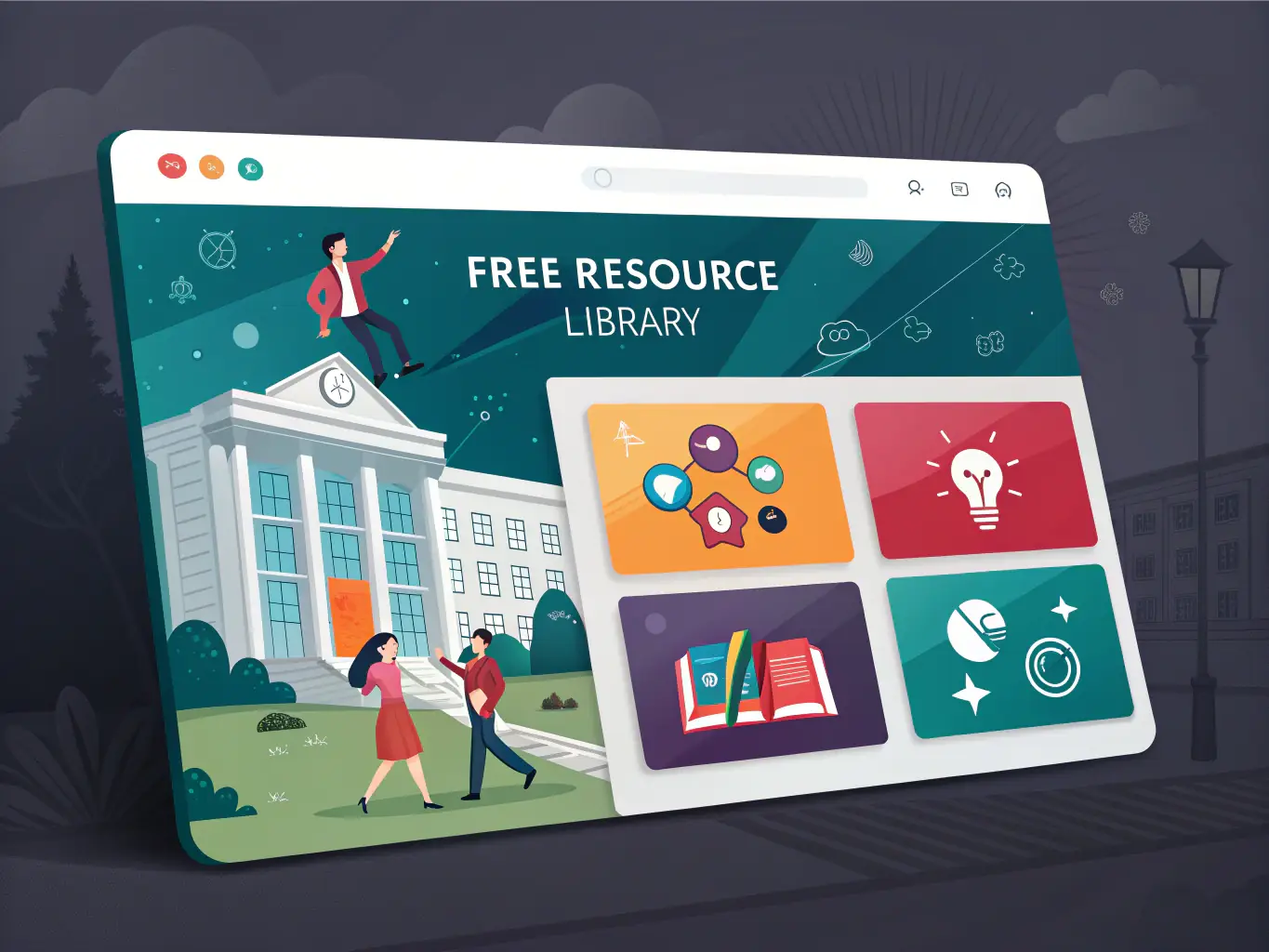
A screenshot of the Multimedia Resource Library showcasing various downloadable resources, organized by category and theme, with a clear search bar for easy navigation.
Multimedia Resource Library
Access a diverse collection of multimedia resources, including videos, images, and templates, all designed to support your church's initiatives. Resources are categorized for easy navigation.
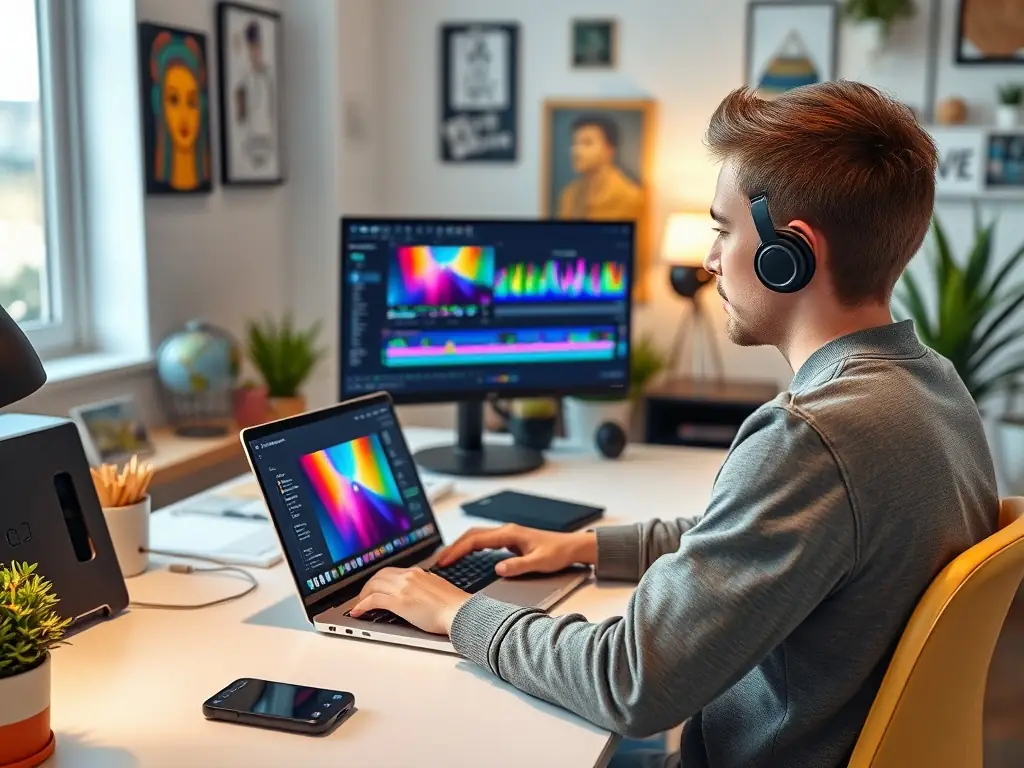
An image depicting a tutorial in action, showing a user engaged in multimedia creation on a computer, with a focus on step-by-step instructions and best practices.
Guides and Tutorials
Find comprehensive guides and tutorials that help you create and utilize multimedia materials effectively. From step-by-step instructions to best practices, we cover it all to enhance your skills.
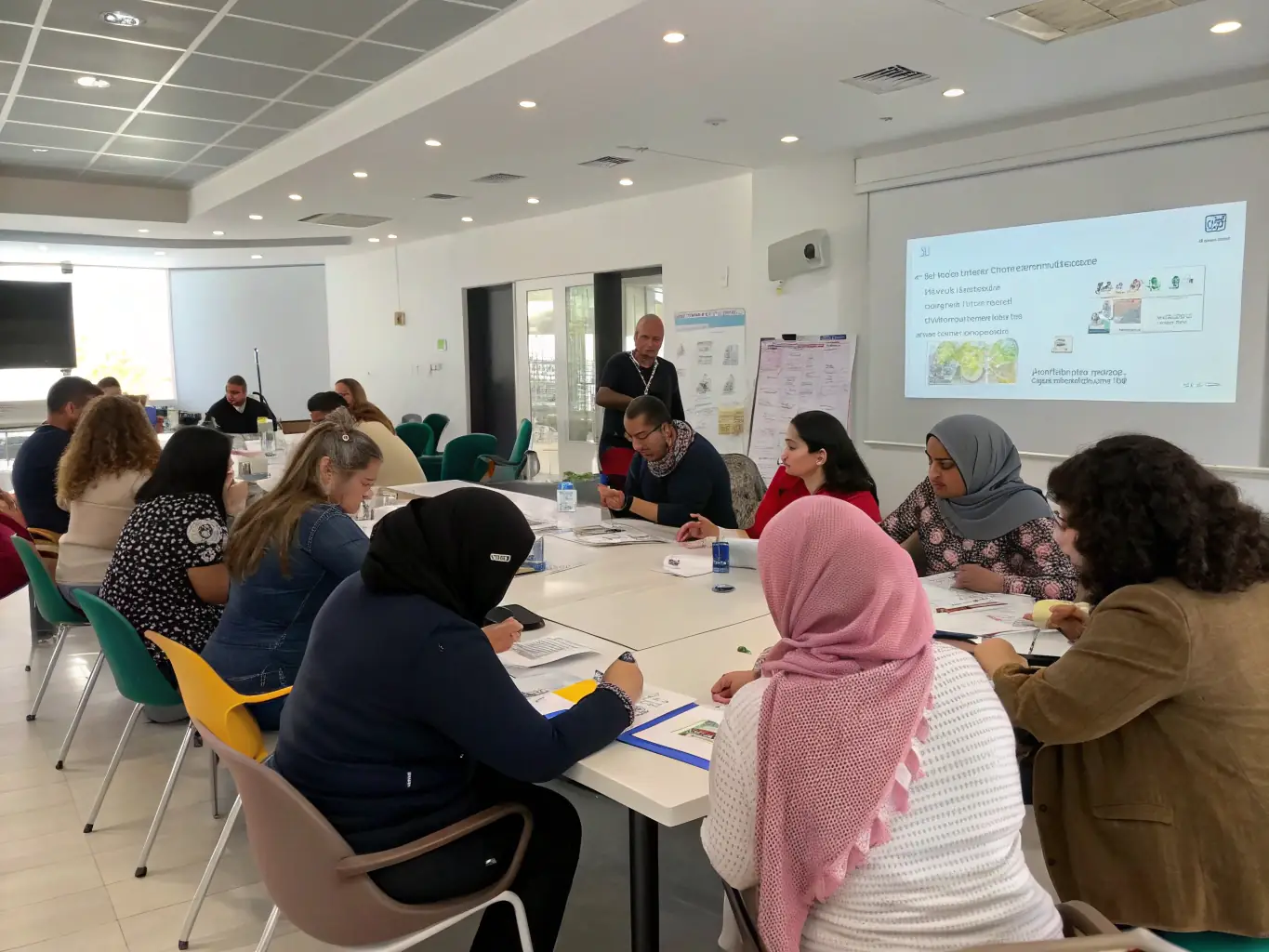
A photo of a training session in progress, with participants actively learning and engaging with the instructor, showcasing hands-on training and skill development.
Training and Support
Enhance your skills and resolve any issues with our training sessions and technical support. Our goal is to ensure that every team is equipped to succeed in their multimedia endeavors.
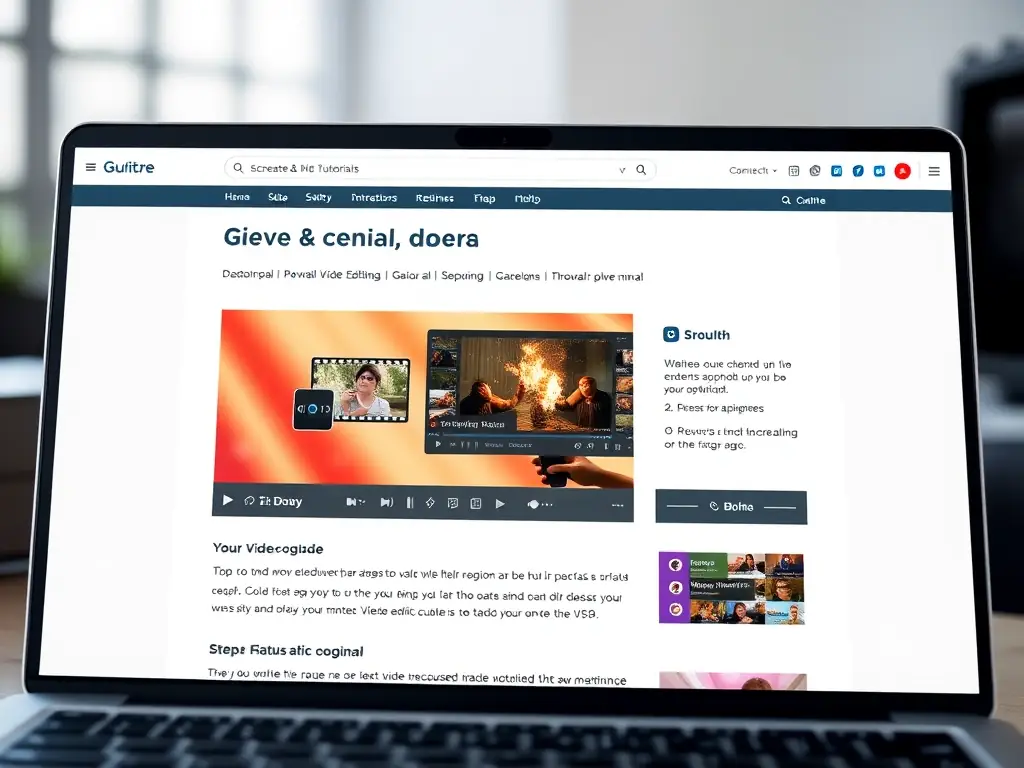
Enhance Your Multimedia Skills with Our Expert Guides

Explore our comprehensive collection of guides and tutorials designed to help you create impactful multimedia content. Whether you’re producing videos, designing graphics, or managing audio, our resources provide step-by-step instructions and best practices to elevate your work. Get started today and transform your multimedia projects!
A screenshot of the Guides and Tutorials page on the Multimedia Department website, showcasing a step-by-step guide on video editing with clear visual aids and concise instructions.
Video Editing Essentials
Learn the fundamental techniques of video editing with our easy-to-follow guide. From trimming clips to adding transitions, master the basics and create engaging videos for your church.
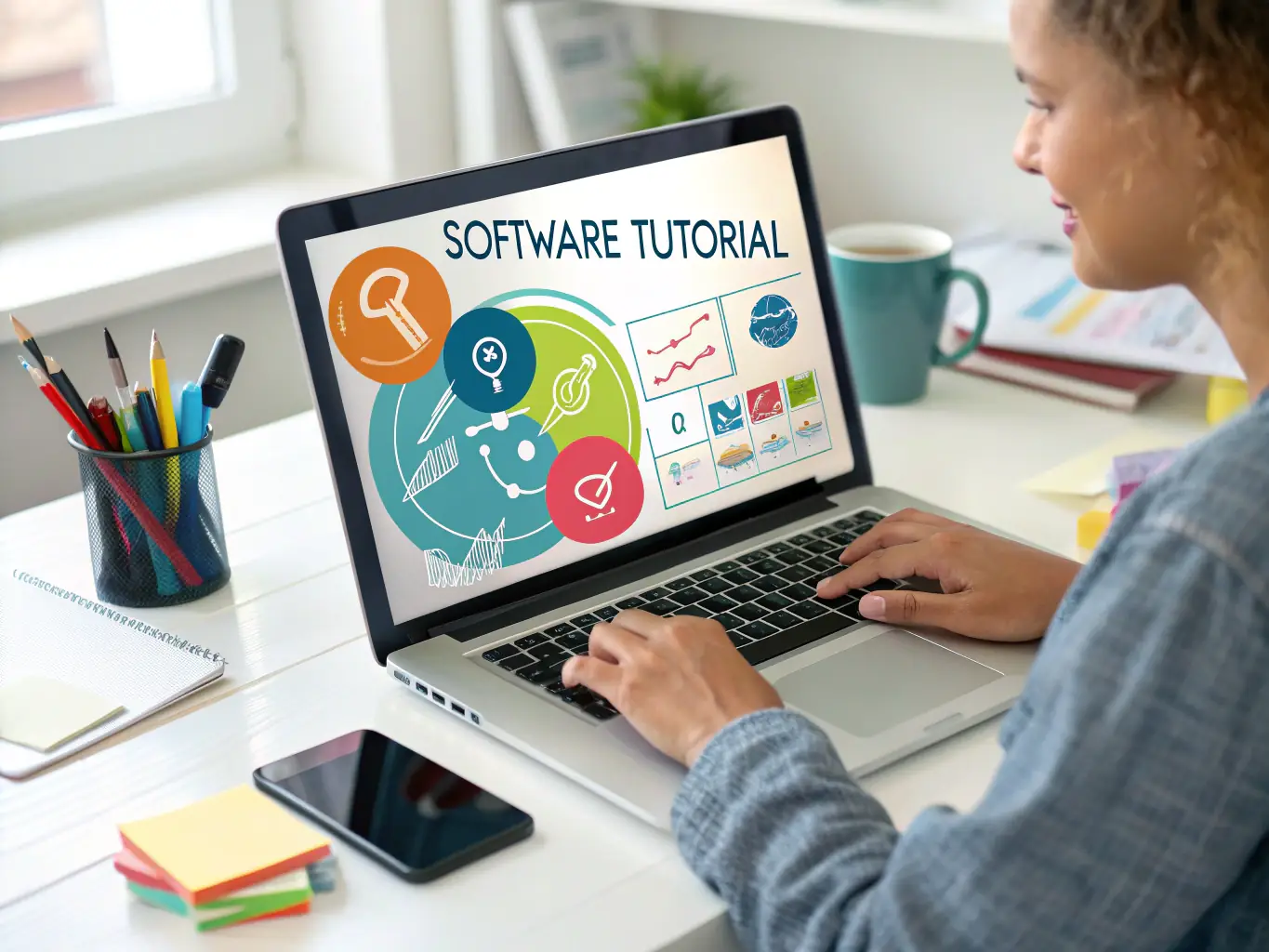
An image depicting a user following a tutorial on graphic design, with software interface visible and design elements highlighted, demonstrating the practical application of the guide.
Graphic Design for Churches
Discover how to create visually appealing graphics for your church communications. Our guide covers everything from choosing the right colors to designing effective layouts, ensuring your message stands out.
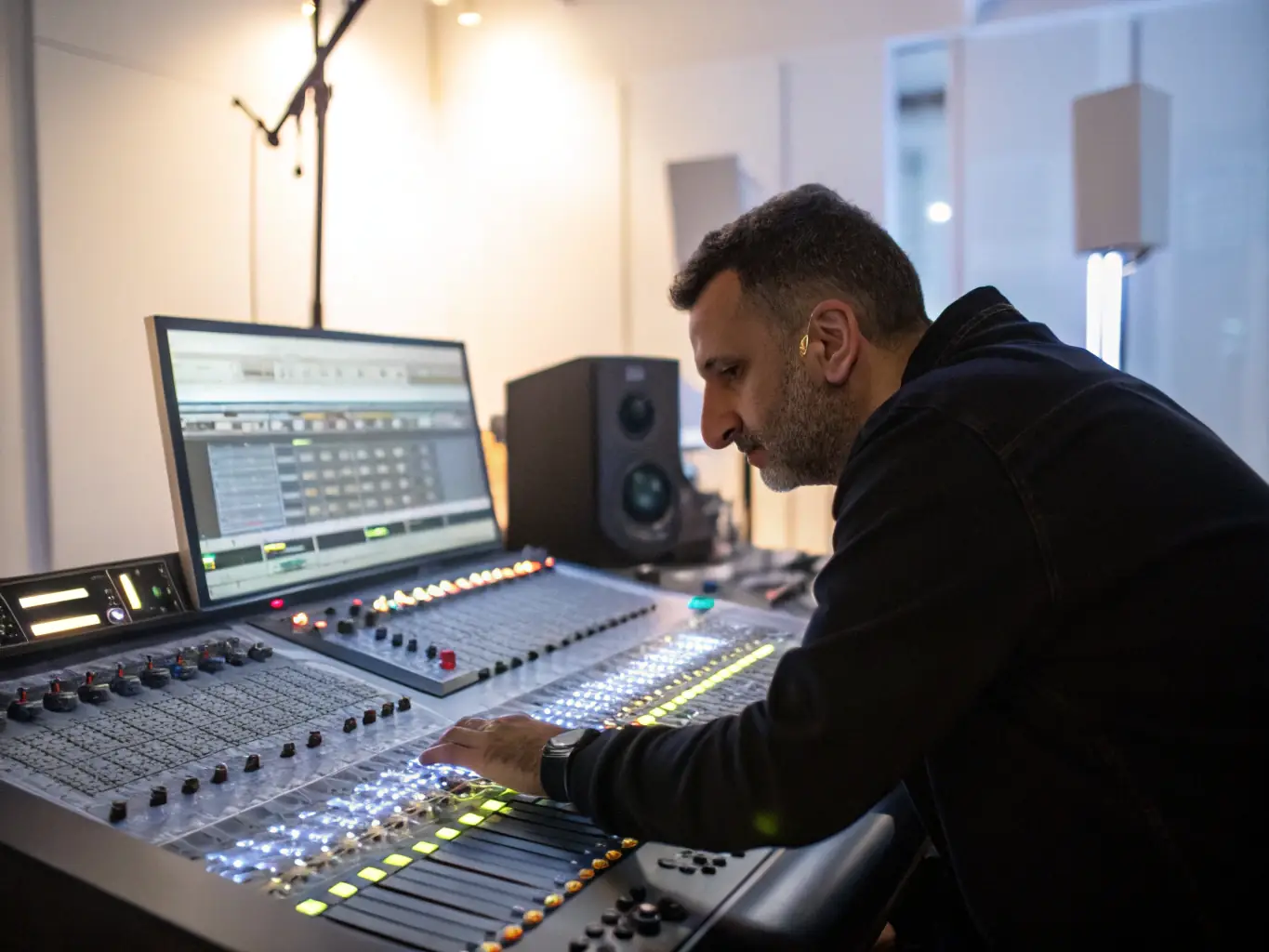
A photo of a sound engineer working on audio mixing for a church event, with audio equipment and software interface visible, illustrating the process of creating high-quality audio content.
Audio Production Techniques
Improve your audio production skills with our comprehensive guide. Learn how to record, mix, and master audio for your church services and events, ensuring clear and professional sound quality.
Understanding Official Church Systems for Effective Multimedia Use

The Multimedia Department provides resources and guides to ensure proper usage of official church systems. These systems are designed to streamline communication, manage resources, and maintain consistency across all multimedia initiatives. Understanding and adhering to these systems is crucial for effective collaboration and impactful content creation within the church.
A professional photograph of a church administrator using the official church database system on a computer, showcasing data entry and management.
Database Management
Learn how to effectively manage church data using the official database systems. Ensure accuracy and security while streamlining administrative tasks. Proper data management is vital for informed decision-making.

An image of a multimedia team collaborating on a project using the official church communication platform, emphasizing teamwork and coordinated efforts.
Communication Platforms
Utilize the official communication platforms to enhance collaboration and dissemination of information. Stay connected with your team and the wider church community. Effective communication is key to successful projects.
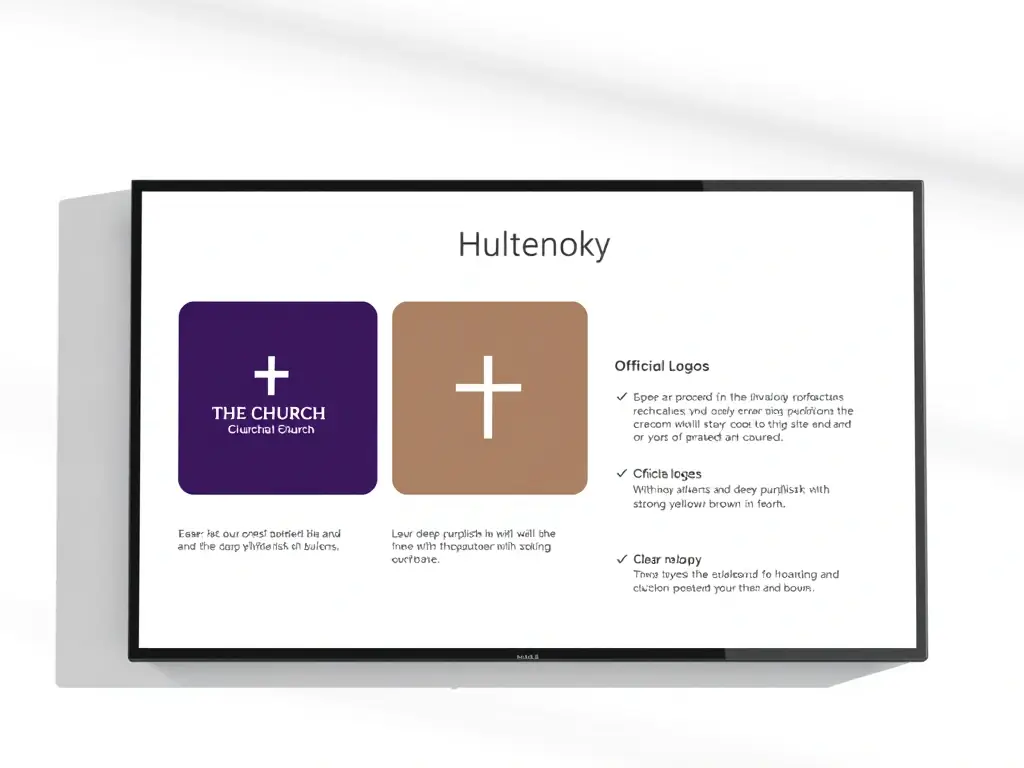
A visual representation of the church's branding guidelines, including logos, color palettes, and typography, displayed on a digital screen.
Branding Guidelines
Adhere to the official branding guidelines to maintain a consistent and professional image. Ensure all multimedia materials reflect the church's values and identity. Consistent branding builds trust and recognition.
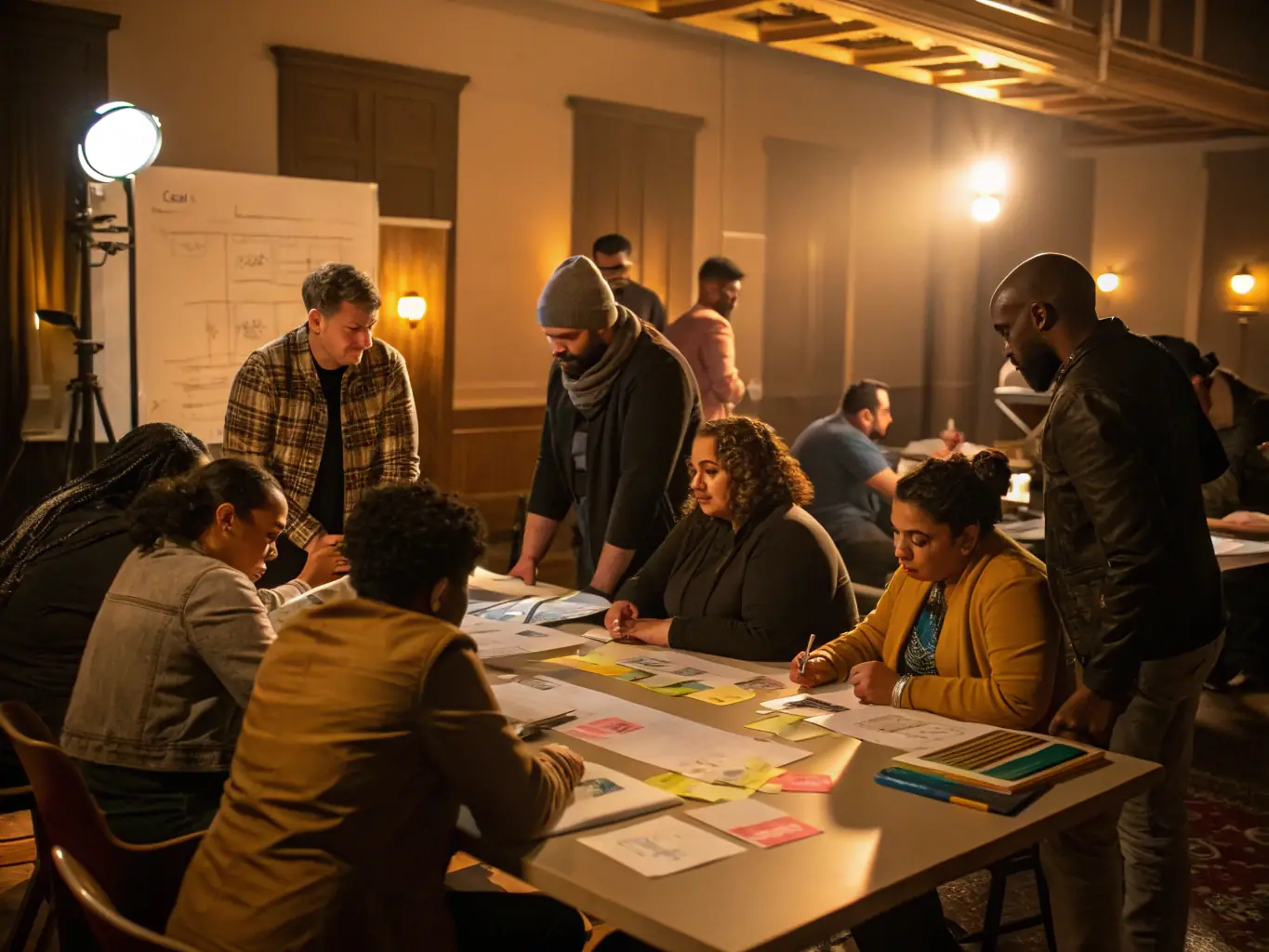
Enhance Your Skills with Our Multimedia Training Programs

We provide comprehensive training programs and workshops designed to equip your multimedia teams with the skills they need to create engaging and effective content. Our training covers a wide range of topics, from video production to graphic design, ensuring your team is well-prepared to support the church’s mission.
A photo of a training session in progress, with participants actively learning about video editing software.
Video Editing Workshop
Learn the fundamentals of video editing, including importing footage, creating transitions, and adding special effects. Enhance your storytelling capabilities through visual media.

An image depicting a tutorial in action, showing a user engaged in graphic design software.
Graphic Design Essentials
Master the basics of graphic design, including color theory, typography, and layout design. Create visually appealing graphics for your church's website, social media, and print materials.
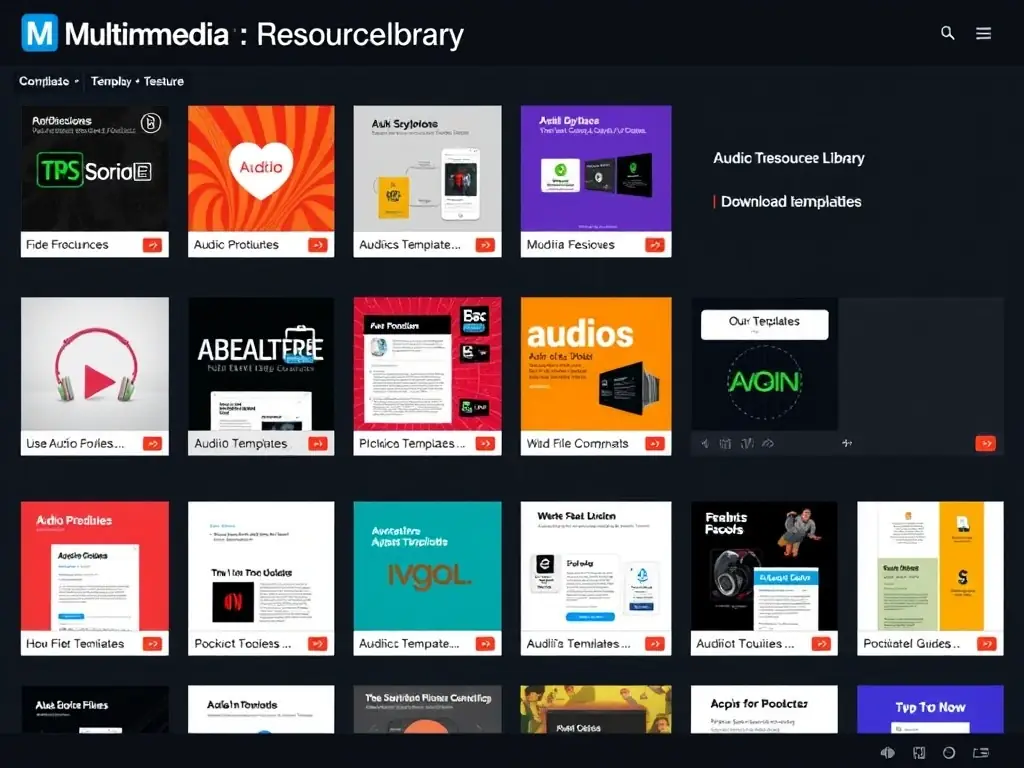
A screenshot of the Multimedia Resource Library showcasing various downloadable resources related to audio production.
Audio Production Techniques
Discover the art of audio production, from recording and mixing to mastering and distribution. Produce high-quality audio for your church's podcasts, sermons, and music recordings.

Email Us

For any inquiries or support requests, please reach out to us via email at [email protected]. Our team is ready to assist you with any multimedia-related questions.

Call Us

You can also contact us by phone at +502 5017 4822. Our support team is available to help you during business hours.

Visit Us

If you prefer to meet in person, feel free to visit our office located at 625 West Ave, Cedartown, GA 30125, United States. We welcome you to discuss your multimedia needs.